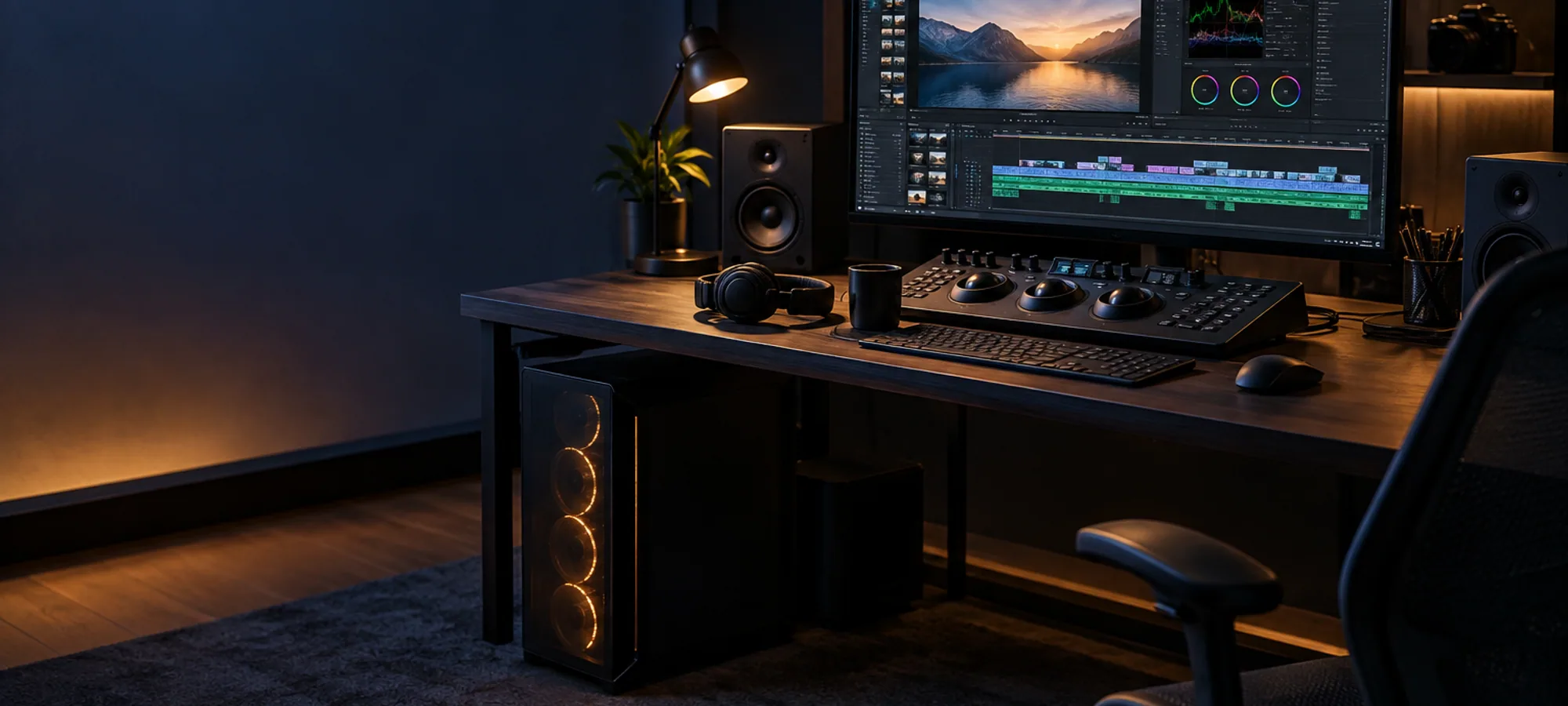
Editing is not gaming. A machine that wins frame-rate charts can still stutter on a colour-corrected 4K timeline, because the bottleneck is usually memory and storage, not the graphics card.
- Memory first — 32GB is the floor for 4K, 64GB if you work with multicam
- Then storage — a fast NVMe scratch drive plus a large drive for finished work
- Then the processor — core count helps exports, clock speed helps scrubbing
- Then the graphics card — 8GB of video memory is enough for most timelines
- Then the monitor, which you look at for eight hours and never upgrade
| Drive | Size | Holds |
|---|---|---|
| NVMe 1 | 1TB | System and applications |
| NVMe 2 | 2TB | Active project files and cache |
| SATA SSD or HDD | 4TB and up | Archive and exports |
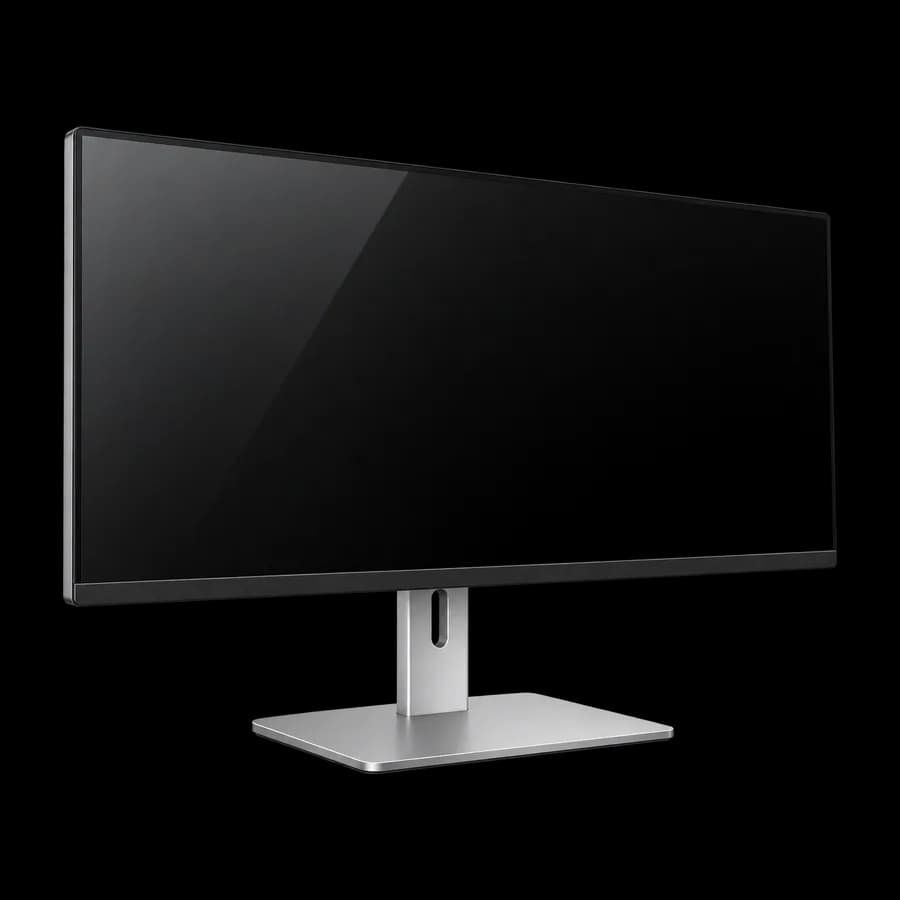
Colour work needs a panel that covers sRGB properly and arrives with a factory calibration report. Resolution beyond 4K at 27 inches buys you very little; accuracy buys you a client who does not ask why the export looks different.